
Picture a 25-person firm in Durham Region. The renewal notice for its IT contract lands in the owner’s inbox, with a small price increase. The owner looks at it and realizes there’s no clear answer to a simple question: “What am I actually getting for this?”
Things have worked fine. Problems get fixed, and nobody has complained. But “nothing has gone wrong” isn’t the same as “I’m getting real value,” and a renewal is the one moment you can ask.
Here are five questions that separate a managed IT provider in Ontario who is quietly protecting the business from one who is just there when something breaks. For each, we’ve included what a good answer sounds like and what should make you pause.
This isn’t about distrust. Most providers are doing honest work. It’s about being able to see it.
Before you start
Find your contract and note two things: the renewal date and the notice period for changing or cancelling. If the window is close, put these questions to your managed IT provider in Ontario now, not at the deadline.
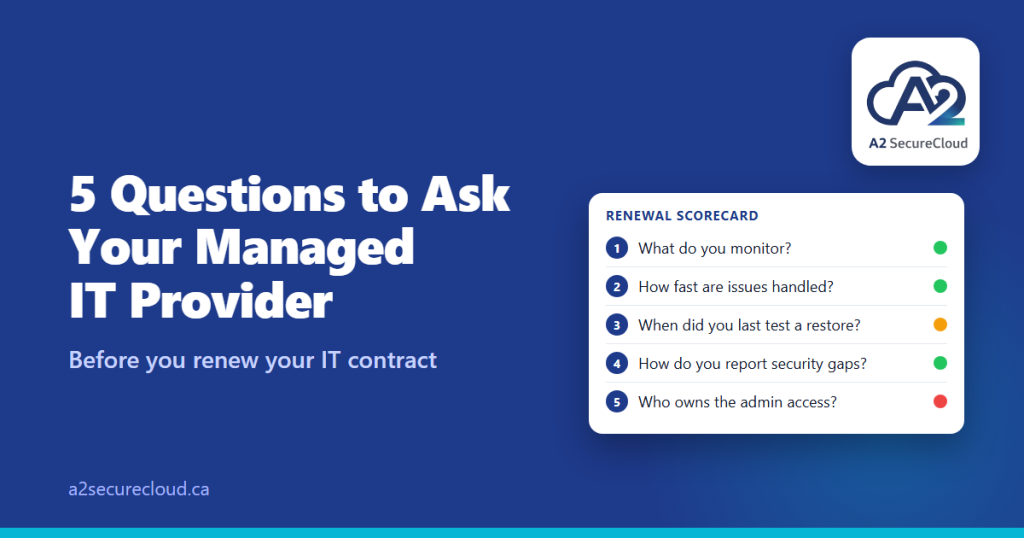
1. What exactly do you monitor, and how do I see it?
“We monitor everything” isn’t an answer. Ask what, specifically: devices, servers, backups, Microsoft 365 sign-ins, security alerts.
A good answer: a clear list of what’s covered, plus something you can look at, like a monthly report showing what was checked, what was found, and what was done.
Pause if: you’ve never seen a report, or you can’t tell what the monitoring actually covers.
2. How quickly are issues handled, and where is that written down?
Response times should be in your agreement, with a clear difference between “the whole office is down” and “my printer is slow.” The Canadian Centre for Cyber Security’s guidance for people buying managed services lists the incident-response questions worth asking: who does what, what turnaround times are guaranteed, what happens when they’re missed, and how you’ll be told about an incident.
A good answer: specific response targets, a defined way to report an emergency, and a commitment to tell you promptly if something affects you.
Pause if: the answer is “we’re really responsive” with nothing in writing.
3. When did you last test a restore, and what happened?
Notice the wording. “Do we have backups?” almost always gets a yes. “When did you last restore something, and how long did it take?” gets a real answer.
The Cyber Centre recommends testing backups and restore processes on a regular schedule, giving monthly as an example. Ask what the schedule is, what’s included in a test, and whether you get a written result. Also ask whether your Microsoft 365 data is backed up separately, since Microsoft’s built-in recycle bins and retention aren’t a backup.
A good answer: a date, a result, and a clear schedule for the next one.
Pause if: nobody can recall the last test, or “we’d have to check.”
4. How do you tell me about security gaps?
Every environment has gaps: an account without MFA, a laptop behind on updates, an admin who no longer needs access. What matters is whether you hear about them in plain language, with priorities, before they become incidents.
A good answer: a regular, readable summary (MFA coverage, patching, admin accounts, open risks), with a recommendation and a cost for each fix, so you can decide.
Pause if: you only hear about security when something has gone wrong, or when a new product is being sold.
5. Who owns the documentation and the admin access?
This is the question that matters most if you ever want to leave your managed IT provider in Ontario, and the one people think of last.
Ask:
- Do I have my own administrator accounts for Microsoft 365, our domain, and our internet service, or do only you hold them?
- Is our documentation (systems, passwords, network details, who owns what) kept somewhere we can access, and is it ours to keep?
- How does the provider reach our systems, and can we see and end that access? In Microsoft 365, partner access is usually set up as a relationship you can review and remove in the Microsoft 365 admin center. It can also be time-limited.
- What happens at the end of the contract? How is the handover done?
The Cyber Centre’s guidance for buyers of managed services covers the same ground: keeping legal ownership of your data, managing account provisioning and removal, making sure the provider’s administrators use separate privileged accounts, and being able to see an audit trail of what they do.
A good answer: “Yes, you own everything. Here’s where it lives, and here’s how handover works.”
Pause if: the answer is vague, or access and documentation sit only with the provider.
Score what you hear
For each question, mark it:
- Green: a clear, specific answer, with something in writing
- Yellow: a reasonable answer, but nothing you can see or check
- Red: no answer, or “we’ll get back to you” and never do
Mostly green is a good sign that your managed IT provider in Ontario is doing the job, and a renewal is easy. Yellows are worth raising, and a good provider will happily fix them. Several reds are a reason to look at other options, or at least to renegotiate.
Choosing a managed IT provider in Durham Region
If you’re evaluating a new managed IT provider in Ontario, whether in Durham Region or elsewhere, these five questions apply just as well to a new agreement as they do to a renewal. The difference between a vendor and a partner is rarely the tools they use; it’s whether they can give you clear, written answers to these questions without hesitation.
If you want a second opinion
If you’d like someone independent to look at what you’re getting from your managed IT provider in Ontario, we’re happy to. Our free IT assessment takes about three minutes and gives you a readiness score across security, backup, and operations, whether or not you ever work with us.
Or email us at info@a2securecloud.ca.
Talk to a Durham Region IT partner
A2 SecureCloud is based in Ajax and supports businesses across Durham Region and Ontario. Our managed IT services include unlimited remote help desk support, 24/7 monitoring, device management, endpoint protection, and tested cloud backups for a flat monthly fee per user — with no long lock-in contracts. Contact us to book a free consultation and put these 5 questions to us directly.
Want help applying this to your office?
Book a short call with our team and we will walk through your setup with you.
A2 SecureCloud is a Canadian-owned managed IT and cybersecurity company serving small businesses across Canada, with on-site support in Durham Region, Ontario.
Sources: Canadian Centre for Cyber Security: Cyber security considerations for consumers of managed services (ITSM.50.030), Tips for backing up your information (ITSAP.40.002), Ransomware playbook (ITSM.00.099). Microsoft: GDAP.
Pingback: How Much Should IT Support Cost in Ontario? | A2 SecureCloud