

Picture a 15-person accounting firm. An email lands in the bookkeeper’s inbox from the managing partner. It’s short and polite, and it mentions a real client and a real deadline. It asks for a quick change to a payment detail.
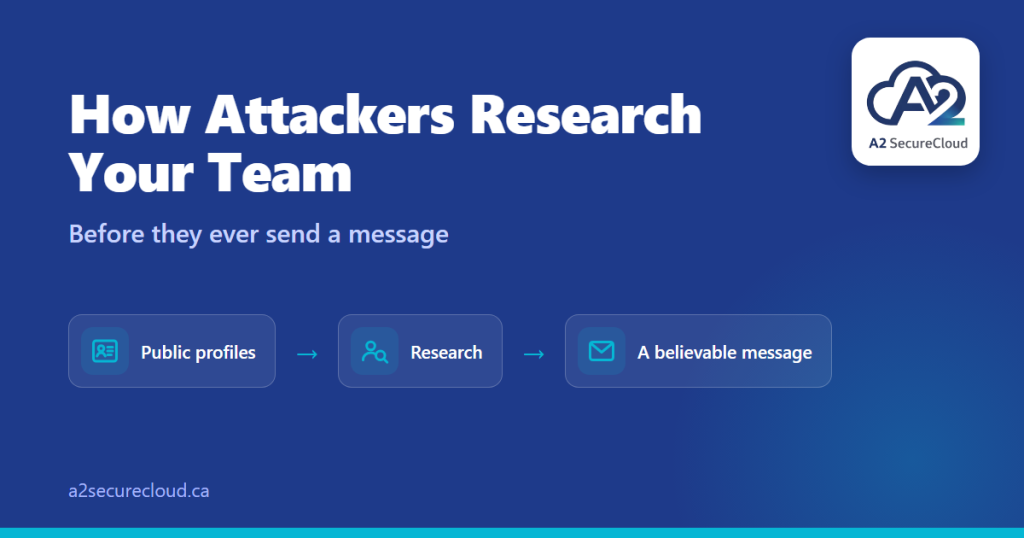
Nothing was hacked to write that email. Someone read the firm’s website and a few LinkedIn profiles, and that was enough to sound credible.
This is what security people call reconnaissance, and it’s usually the first step in a social engineering attack. Understanding how a social engineering attack begins is what makes it possible to defend against. Before sending anything, attackers research the people inside an organization. They look for who is worth targeting, who reports to whom, and what each person is responsible for. Then they build a pretext, which is simply a believable reason to contact someone.
What a social engineering attack needs to work
The goal is to make a message feel normal. To do that, attackers look for:
- Who handles money or access: finance, the office manager, executive assistants, whoever resets passwords
- Who reports to whom, so they know whose name carries authority
- Who you work with: clients, vendors, and partners they can name-drop
- Which tools you use, which job postings often reveal
- Recent events: a new hire, a conference, an office move, a busy season
- How people write, so the message sounds right
Carnegie Mellon University’s security office lists the same kinds of details criminals use to build credibility: job titles, office locations, work history, business relationships, and personal information.
Where the information comes from
Almost all of it is public:
- Your website: team pages, bios, and photos
- LinkedIn: titles, connections, and “we’re hiring” posts
- Job postings: the software and systems you use
- Social media: posts, photos, and travel
- Past data breaches, which CMU notes criminals also use to learn about potential victims
The Canadian Centre for Cyber Security makes a related point: what people post online becomes public material that criminals can use in convincing scams, including imitating someone to send targeted emails to their colleagues.
Does this really happen to small businesses?
The documented examples tend to involve larger or high-value targets. The Cyber Centre has described campaigns where a fake persona contacted an employee on LinkedIn and chatted about their profession and hobbies. After building rapport, they moved the conversation to another platform and later sent a malicious file, framed as a survey.
We’re not saying small firms are being singled out. We’re saying a social engineering attack doesn’t need a large target to work. Reading a website and a few profiles costs nothing, and a small team often has fewer formal checks. A convincing email to the one person who can approve a payment can matter just as much at fifteen people as at fifteen hundred.
What a believable request looks like
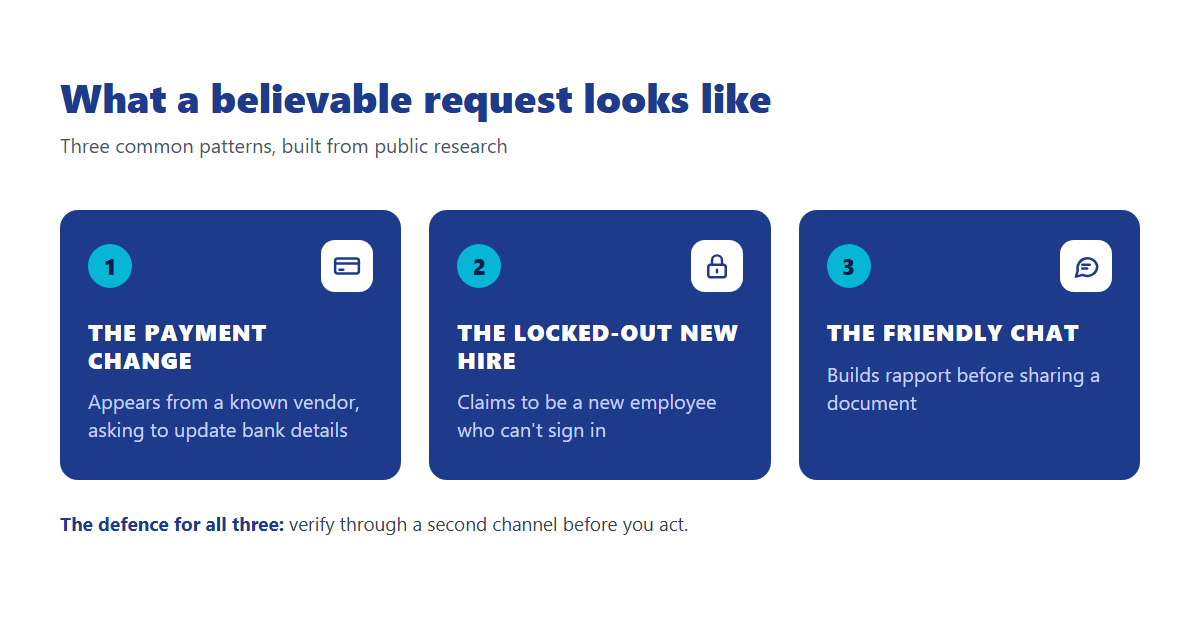
Here are three patterns, described generally:
- The payment change. A message that appears to come from a known vendor or a senior person, referring to a real invoice, asking to update bank details.
- The locked-out new hire. A call or message to whoever handles IT, claiming to be a new employee who can’t sign in, using real names and details to pass basic questions.
- The friendly chat. A recruiter or professional contact who builds rapport over several messages before sharing a document to “take a look at.”
None of these need technical skill. They rely on sounding like someone you’d expect to hear from.
Six calm, practical steps
You don’t need to hide your team or stop using LinkedIn. You need to make it harder for a believable story to succeed.
1. Decide what’s public on purpose
Look at your website’s team page and your staff’s LinkedIn profiles as an outsider would. Direct email addresses, detailed org charts, and long lists of internal tools are things to think about.
2. Verify money and access requests through a second channel
Call back on a number you already have, not one in the message. This applies to payment-detail changes, new vendor requests, and password resets. It’s the single most effective defense against a social engineering attack. We cover the same idea in our guide to detecting malware on a laptop — the second-channel check applies there too.
3. Write down a one-page “how we verify” rule
Give it to whoever handles payments, onboarding, and IT. A short rule removes the pressure of deciding on the spot.
4. Be mindful of what posts reveal
Client names, travel dates when leaders are away, and photos that show screens or badges can all feed a pretext. The Cyber Centre also recommends removing metadata from photos before posting and having a social media policy for the organization.
5. Limit the damage if someone is fooled
Multi-factor authentication and limited admin rights mean a convincing message gets an attacker less. For more on the tools that actually stop these attacks, see our piece on small business cybersecurity in the AI era.
6. Make it easy to ask
People should feel fine saying “this looks off, can we check?” The Cyber Centre’s phishing guidance recommends internal protocols so staff can check and report suspicious messages. A no-blame culture matters more than any tool.
The mindset that helps
A believable message is still just a message until it’s been verified.
Defending against a social engineering attack doesn’t require secrecy. A business has to be findable. What works is a habit: a believable message is still just a message until it’s been verified. Teams that pause for thirty seconds on requests involving money, credentials, or sensitive files are much harder to fool, however good the research was.
If you’d like a starting point, the Cyber Centre’s foundational cyber security actions for small organizations is a practical checklist. And if you’d rather have a straightforward look at where your business stands, our free IT assessment takes about three minutes.
Or email us at info@a2securecloud.ca.
A2 SecureCloud is a Canadian-owned managed IT and cybersecurity company serving small businesses across Canada, with on-site support in Durham Region, Ontario.
Sources: Canadian Centre for Cyber Security: Use of personal social media in the workplace, Digital footprint, Don’t take the bait: phishing, Targeted manipulation: social engineering and spear phishing campaigns. Carnegie Mellon University: Pretexting.