
Most small business websites run on PHP, and most owners have never been asked which version.
Picture a 10-person professional services firm. Its website was built five years ago by a freelancer. It has a contact form, a few service pages, and a handful of plugins. It works, so nobody has logged in since the last redesign.
Nothing looks wrong. But behind the pages, the software that runs the site may be several versions out of date, and nobody at the firm could say which ones.
That’s the most common website security gap we can describe, and it’s fixable. Here’s what PHP is, which PHP security risks are worth knowing about, and a short check you can do this week without being technical.
Why PHP security risks matter to you
PHP is a programming language that a large share of websites run on, including every WordPress site. If your site is built on WordPress, PHP is running behind it, along with the plugins and themes added on top.
You don’t need to understand the code. You need to know that it’s software, and software needs updates.
Risk 1: Running a PHP version that no longer gets security fixes
Each PHP version is supported for a limited time. On php.net’s own pages as of October 22, 2026:
- PHP 8.5 and 8.4 are in active support.
- PHP 8.3 and 8.2 receive security fixes only. Security support for 8.2 ends on December 31, 2026, and for 8.3 on December 31, 2027.
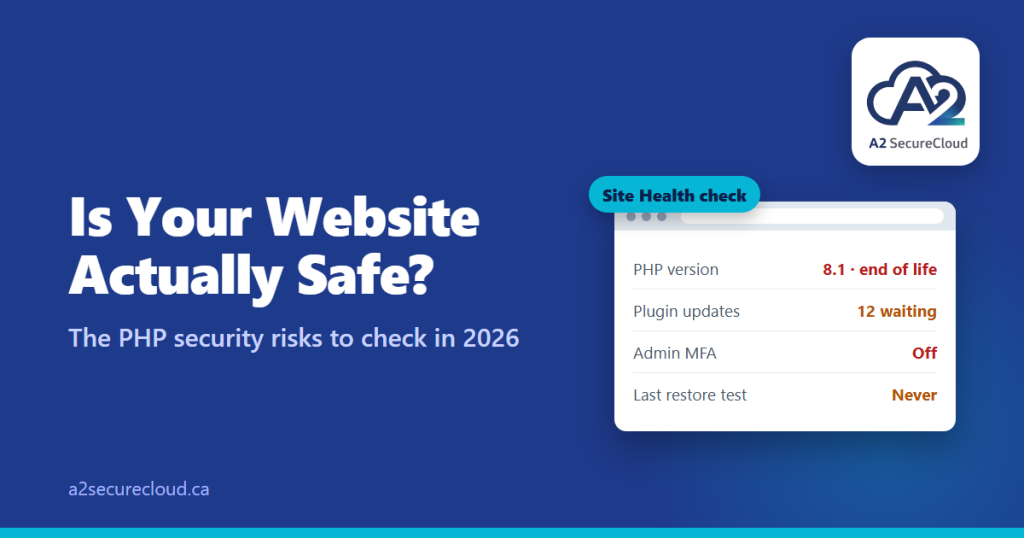
- PHP 8.1 reached end of life on December 31, 2025. PHP 8.0 ended in November 2023, and PHP 7.4 in November 2022.
If your site runs an end-of-life version, newly found flaws in that version won’t be fixed by the PHP project. Plenty of small business sites are still on older versions because upgrading wasn’t anyone’s job.
Risk 2: Outdated plugins and themes
For WordPress sites, this is usually where the exposure is. Patchstack’s State of WordPress Security report counted 11,334 new vulnerabilities in the WordPress ecosystem in 2025, a 42% increase on 2024. Plugins accounted for 91% of them and themes 9%, while WordPress core had very few and those were low priority.
In plain terms: WordPress itself is rarely the weak point. The add-ons are. Every plugin you install is code someone else wrote and maintains, and an abandoned one never gets fixed.
Risk 3: Known flaws that attackers act on quickly
When a serious flaw is published, attackers don’t wait. A well-documented example is CVE-2024-4577, a PHP flaw affecting certain Windows setups using PHP-CGI. It was added to the US government’s Known Exploited Vulnerabilities catalog in June 2024, and security firm Greenbone reported that attackers had weaponized it within about 48 hours of disclosure. Fixed versions were released for PHP 8.1, 8.2, and 8.3.
This particular flaw only affected specific configurations, so it isn’t a reason to panic. The lesson is the speed: the gap between “a fix exists” and “attackers are using it” can be days, and a site nobody is updating stays exposed to PHP security risks the whole time.
Risk 4: Weak code that trusts what it’s given
The OWASP Top 10 is the industry’s standard list of web application risks. In its 2025 edition, broken access control is number one, and injection (which includes SQL injection and cross-site scripting) is number five.
In plain English:
- Broken access control means someone can reach a page or data they shouldn’t, because the site doesn’t properly check who’s asking.
- Injection means a form or search box accepts input it should have rejected, and an attacker uses it to make the site do something unintended.
Custom-built sites and heavily customized plugins are where these show up most. If your site collects information through forms, they’re worth asking about.
Risk 5: Weak admin access and sloppy setup
OWASP’s number two risk is security misconfiguration, and for small business sites it often looks ordinary:
- An admin login without MFA, or with a reused password
- Former employees, freelancers, or agencies who still have admin accounts
- Old backups, test pages, or configuration files left on the server where anyone can find them
- Plugins that were installed, never used, and never removed
None of these PHP security risks need an advanced attacker. They’re the unglamorous gaps behind a lot of compromised sites.
A 15-minute check you can do this week
- Find your PHP version. In WordPress, go to Tools, then Site Health, then the Info tab, and open the Server section. Or ask your host or web provider. Compare it against the list above.
- Count your plugins. Deactivate and delete any that you don’t use.
- Check for updates. How many plugins and themes are waiting for one? If the answer is “a lot,” that’s your first finding.
- List who has admin access. Remove anyone who no longer needs it, and turn on MFA for the rest.
- Ask who is responsible. Who looks after the website’s security and updates? If the answer is “nobody” or “whoever built it,” that’s the real gap.
- Ask about backups. Is the site backed up, and has anyone tried restoring it?
Questions to ask whoever manages your site
- What PHP version are we on, and when will we upgrade?
- How often are plugins and themes updated, and who does it?
- Is there a staging copy where updates are tested first?
- Who has admin access, and is MFA required?
- When did we last restore the site from a backup?
A good web provider will answer these easily. If the answers are vague, you’ve learned something useful.
How A2 SecureCloud helps
We’re not a web agency, and we won’t pretend to rebuild your site. What we can do is help you ask whoever manages it the right questions about PHP security risks, and cover the surrounding basics that protect it: MFA on admin accounts, who holds admin access, and backups that have actually been tested. If you’d like a straightforward look at where your business stands, our free IT assessment takes about three minutes.
Or email us at info@a2securecloud.ca.
A2 SecureCloud is a Canadian-owned managed IT and cybersecurity company serving small businesses across Canada, with on-site support in Durham Region, Ontario.
Sources: PHP: Supported versions, End-of-life branches. Patchstack: State of WordPress Security in 2026. OWASP: Top 10:2025. CVE-2024-4577: Tenable, Greenbone, SOCRadar.